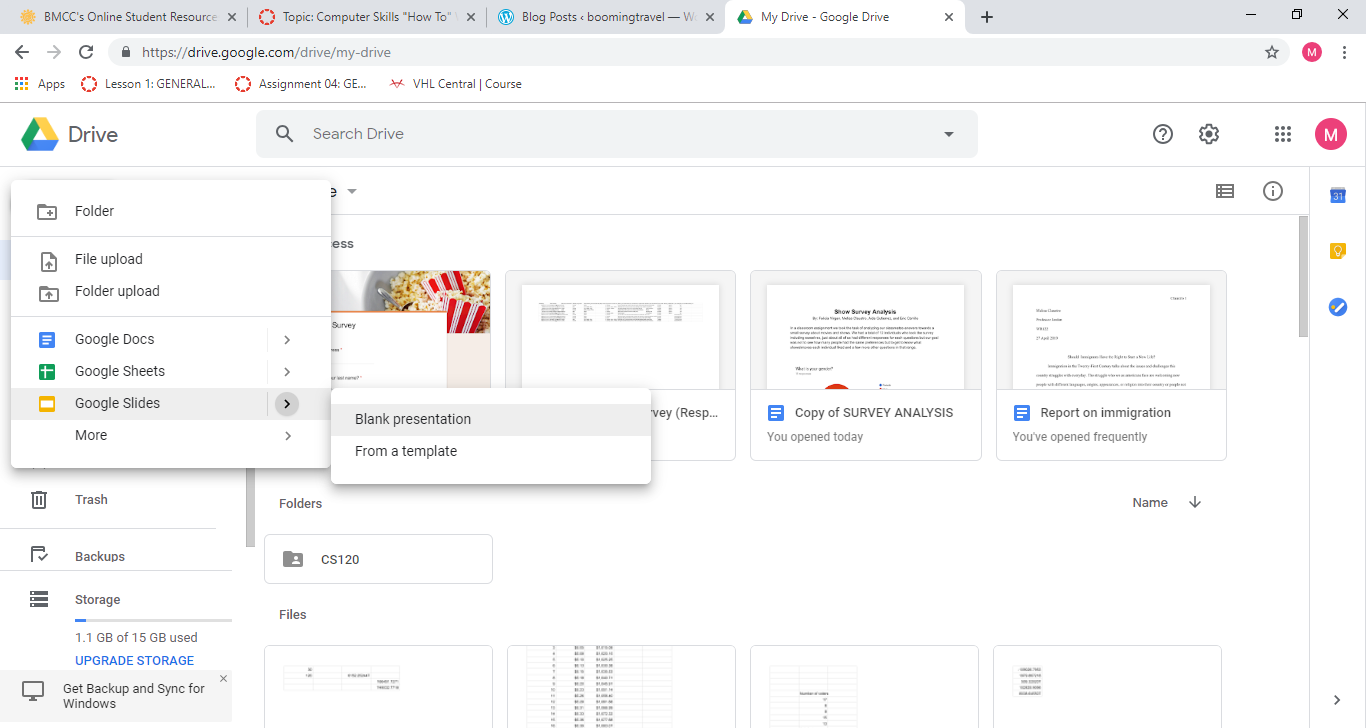
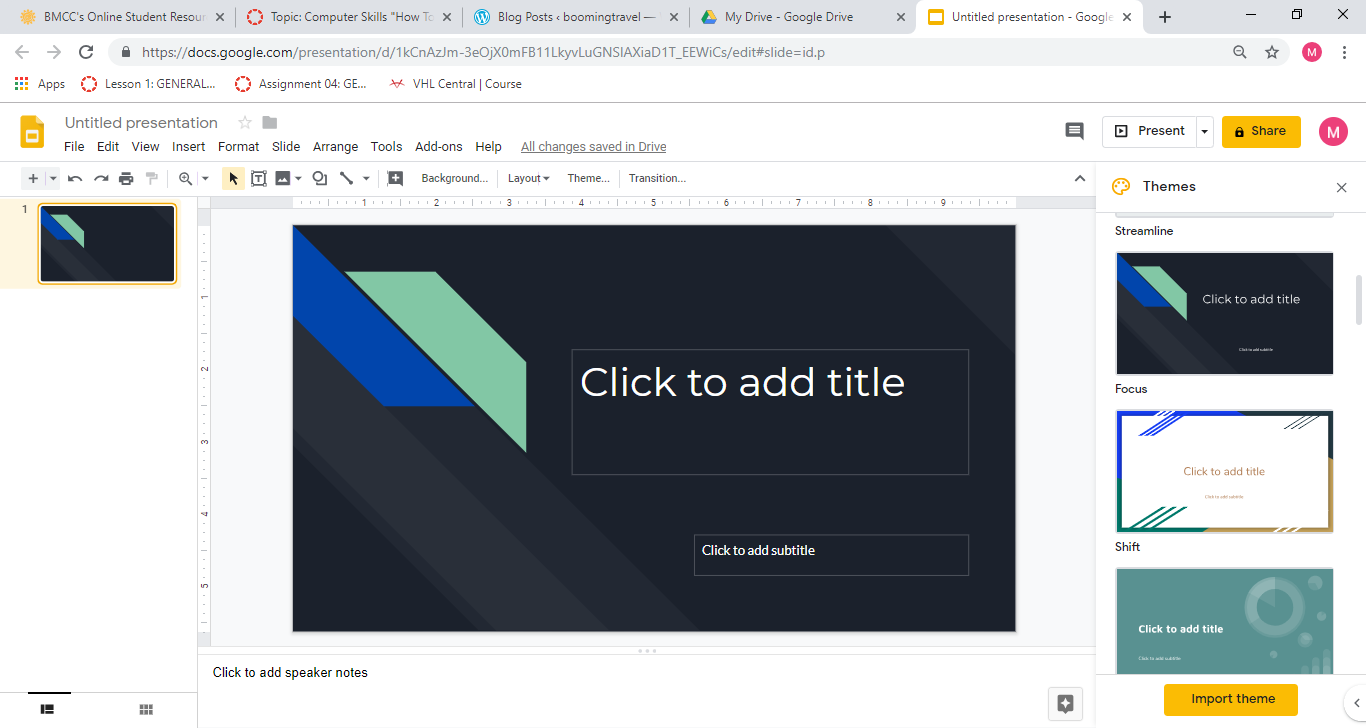
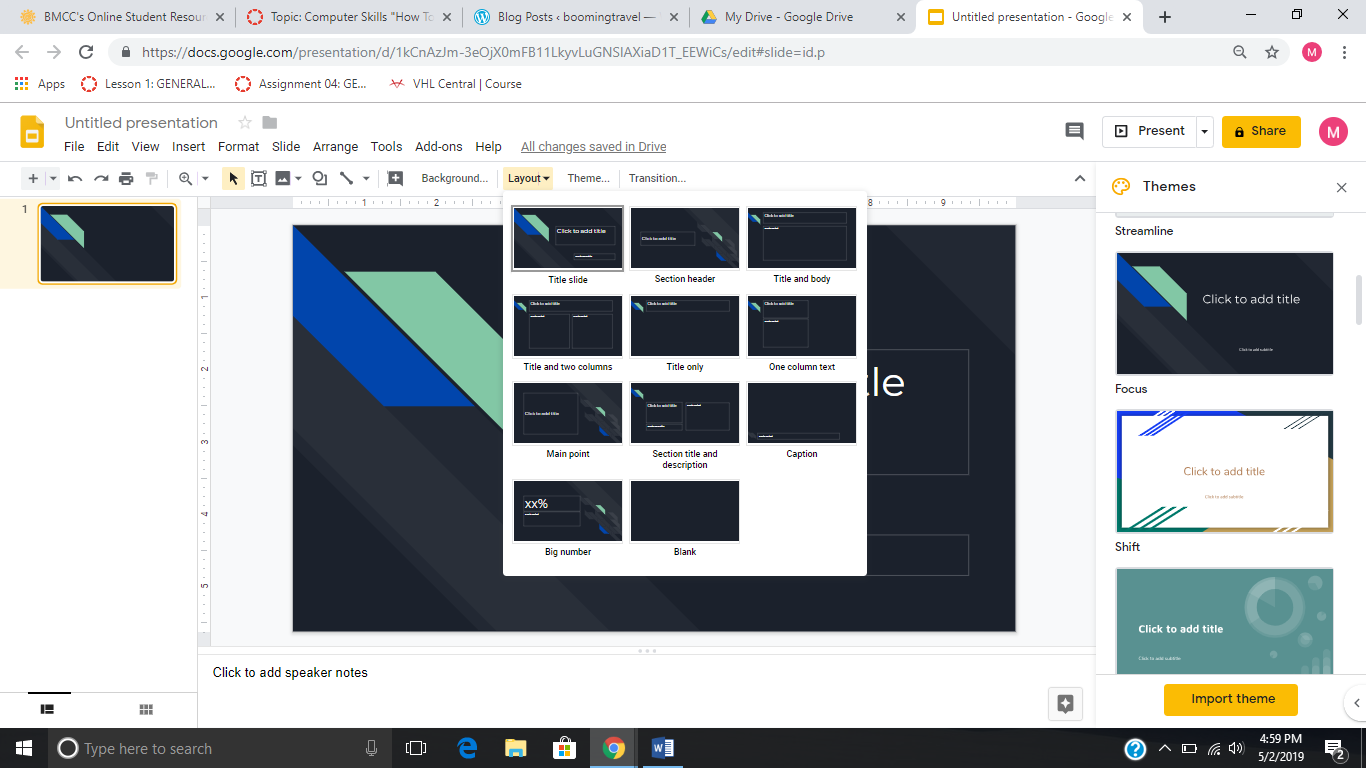
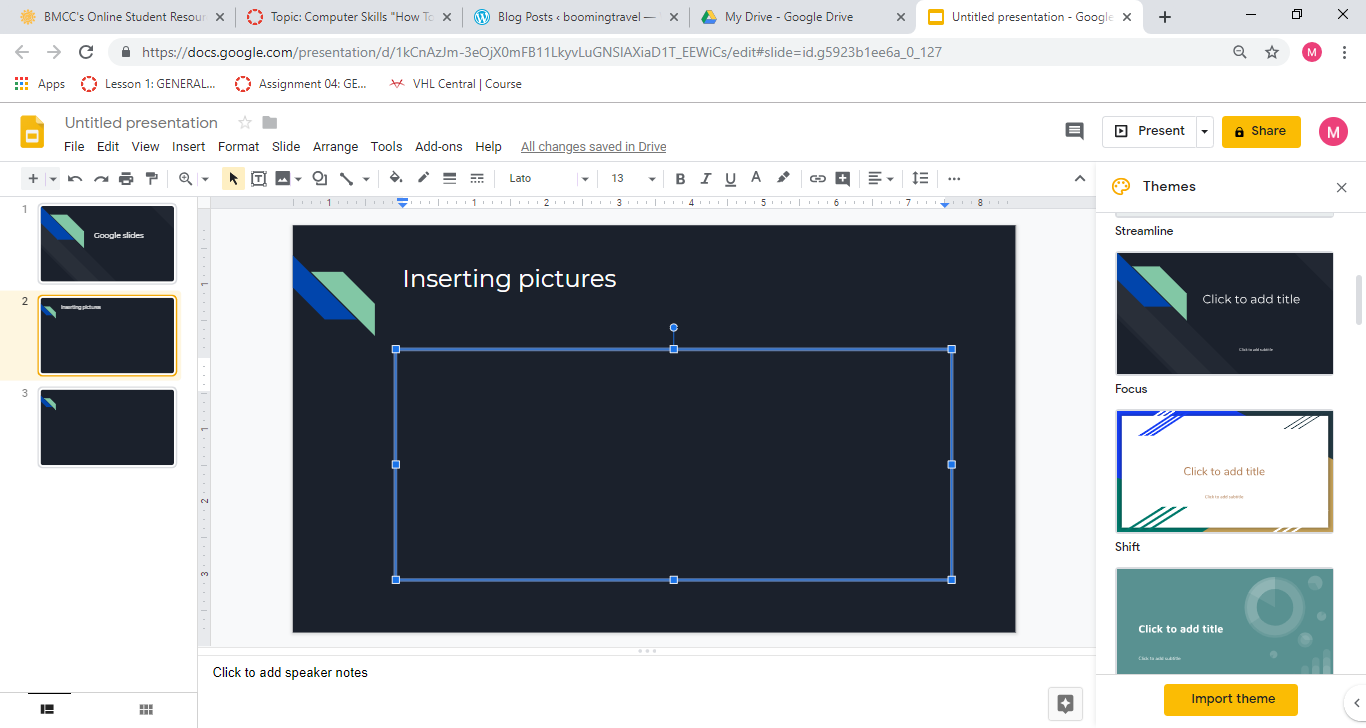
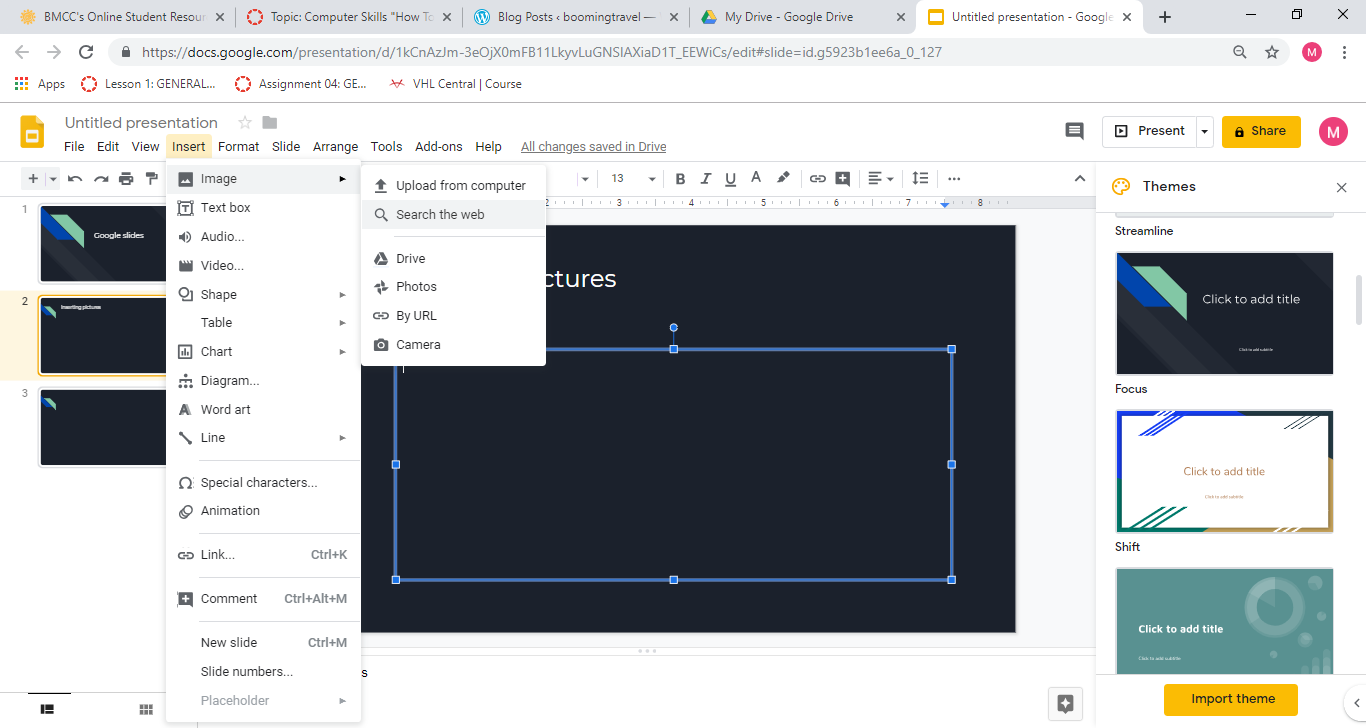
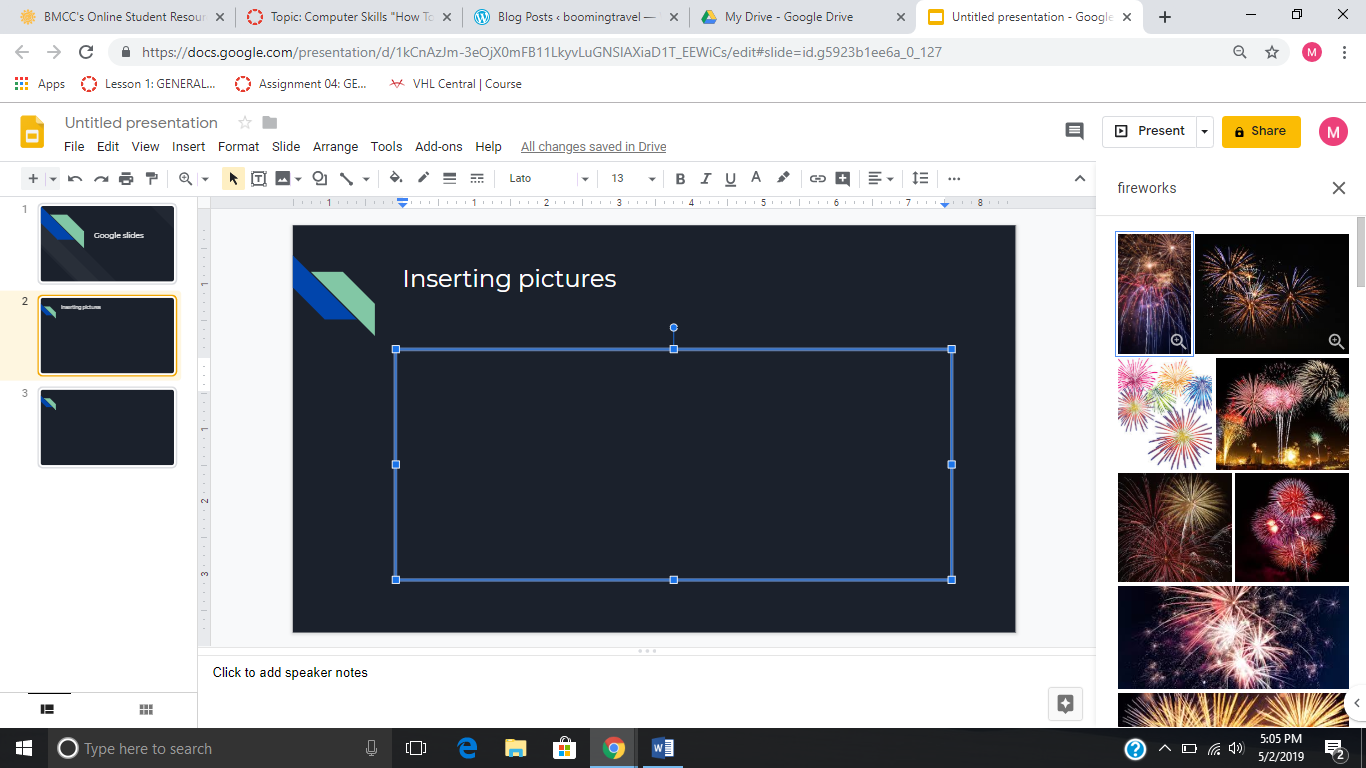
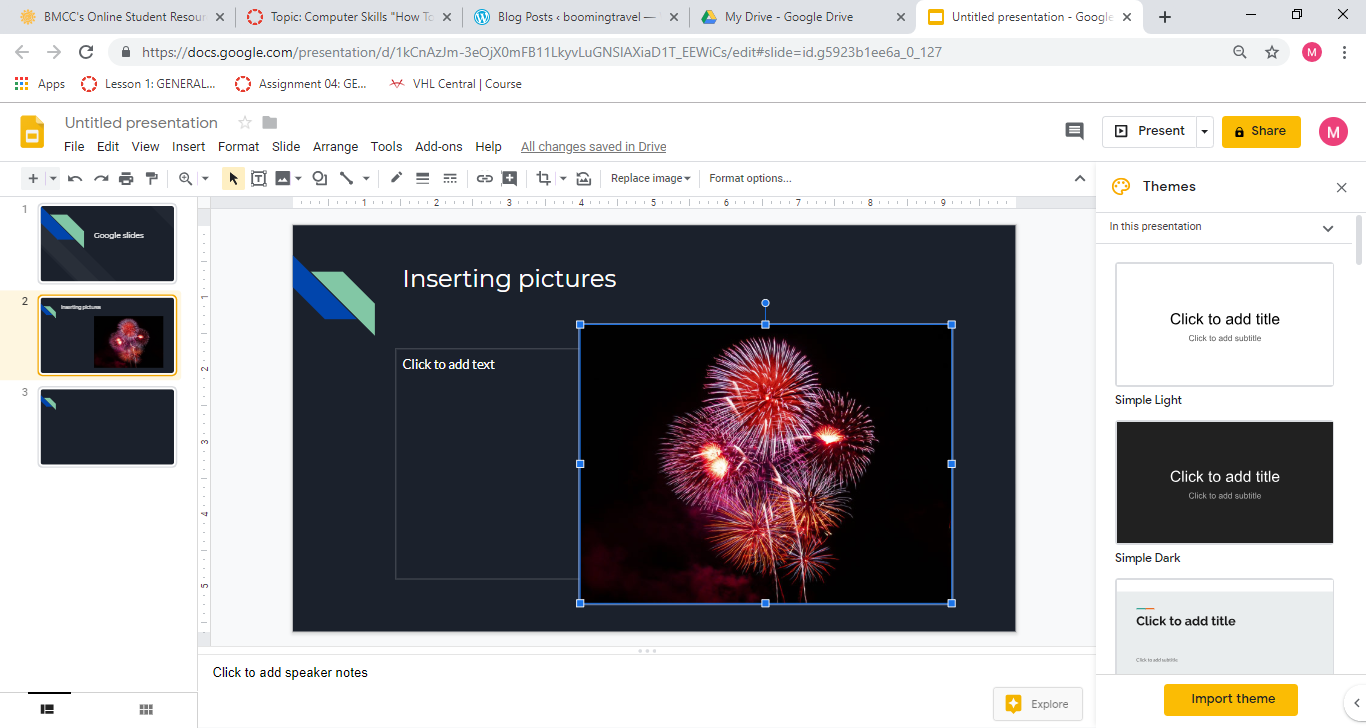
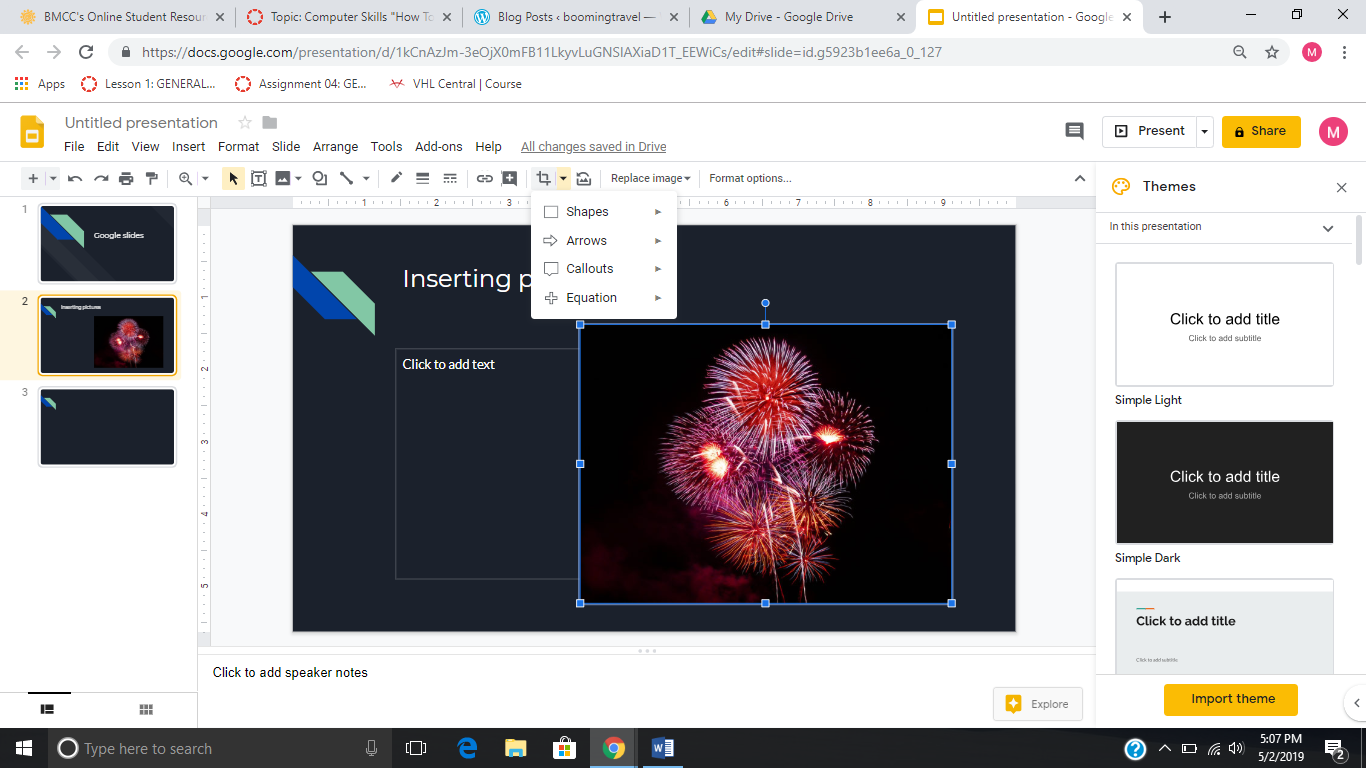
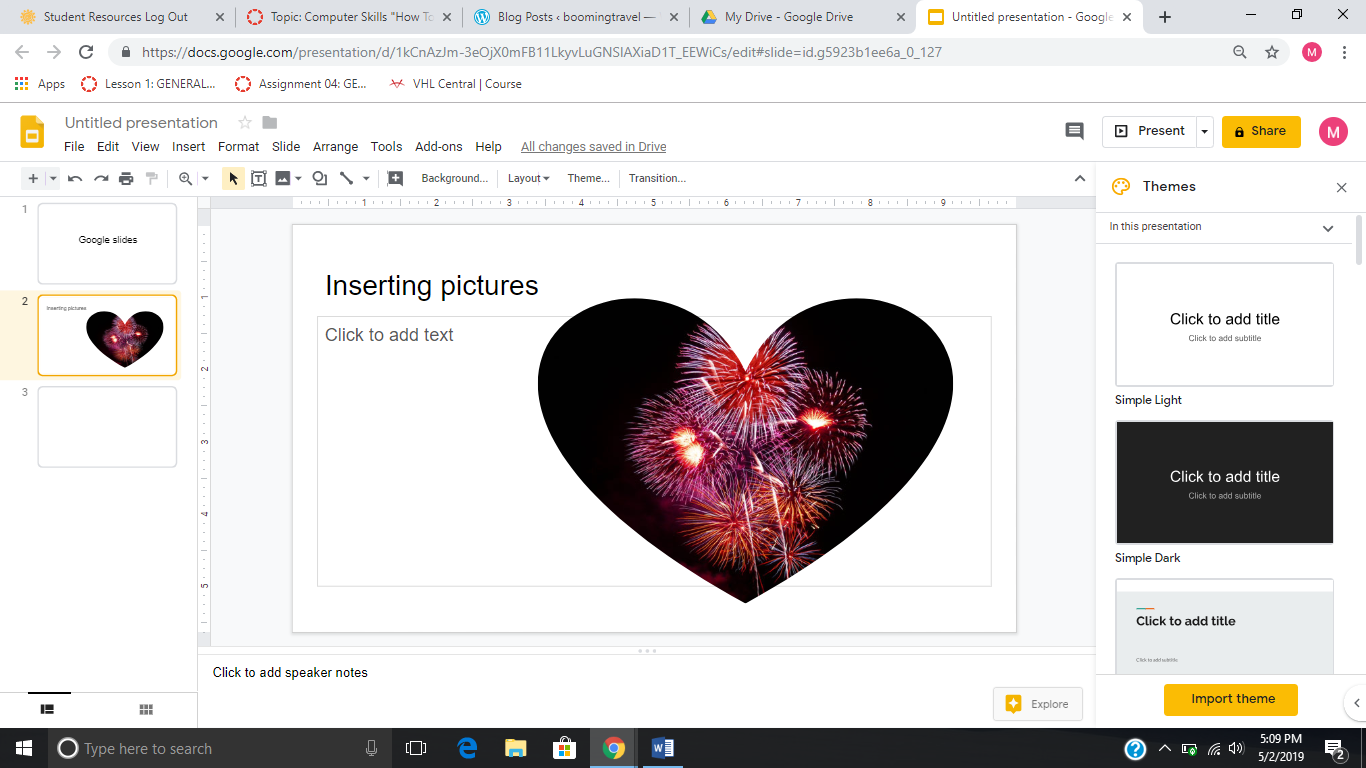
First you create a new slide(blankpresentation)choose any theme on the right side of the pagechoose a layout you’re gonna usego to insert, image, search the web or wherever you wanna get the picture fromi chose the search the web option and it appeared on the right side of the page and have any option of choosing whatever picture i want.click on the picture you like and resize it if youd likeclick on the “mask image” arrow and choose any shape youd like.

 boomingtravel